
GPT-5-Codex Is Incredibly Powerful! How to Use the Codex CLI in China
Recently, while Vibe Coding with Codex, I noticed that the latest Codex update is a huge improvement! GPT-5-Codex is every bit as powerful as Claude Opus — bugs that used to stump me for ages got solved easily today.
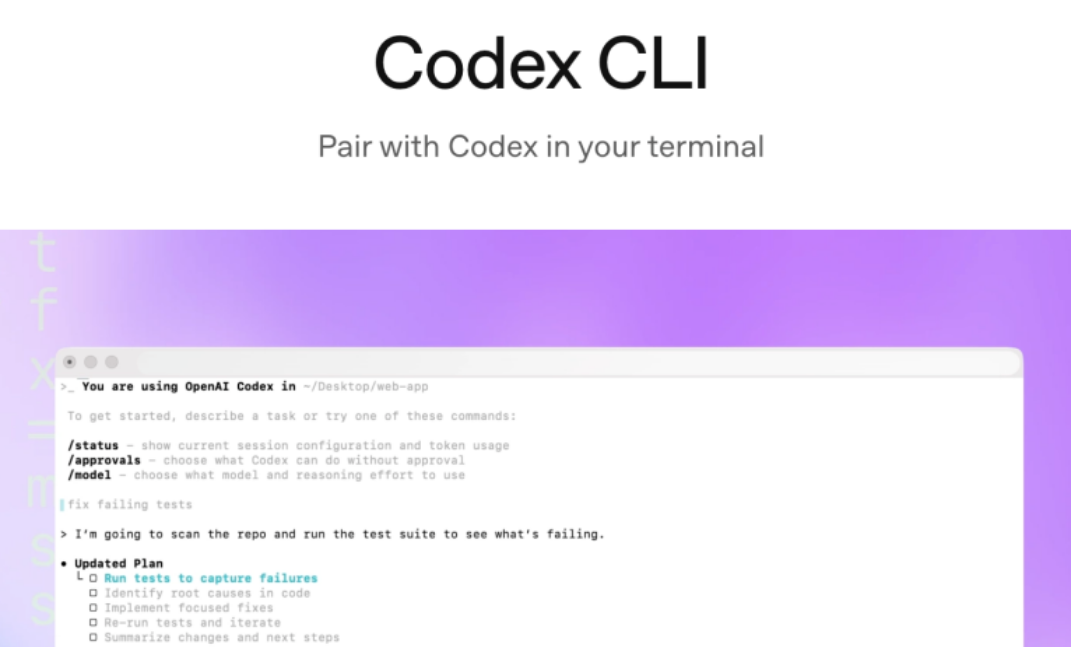
Why Did I Suddenly Start Using Codex?
At first, Codex was slow to respond and rarely recommended. But Claude Code has become noticeably dumber lately — fixing a single bug often takes many iterations and still never gets fully resolved.
In the end, I still had to fix things manually with "old-school programming".
What's New in GPT-5-Codex: A Detailed Look
Today's Codex is optimized on the GPT-5 model, with major improvements in handling complex tasks, building complete projects from scratch, adding features and tests, debugging, large-scale code refactoring and code review!
GPT-5-Codex strictly follows user instructions and shows no signs of dumbing down so far.
To generate high-quality code, you just need to describe the requirement clearly — no need for lengthy explanations about code style or cleanliness.
GPT-5-Codex can work independently on large, complex tasks for over 7 hours!
GPT-5 vs. GPT-5-Codex: What's the Difference?
If you call GPT-5 directly from the ChatGPT web version for coding, it hasn't been specifically optimized. I recommend using the Codex tool directly.
That's because GPT-5-Codex thinks more deeply, spending twice as much time on reasoning, code editing, testing and iteration.
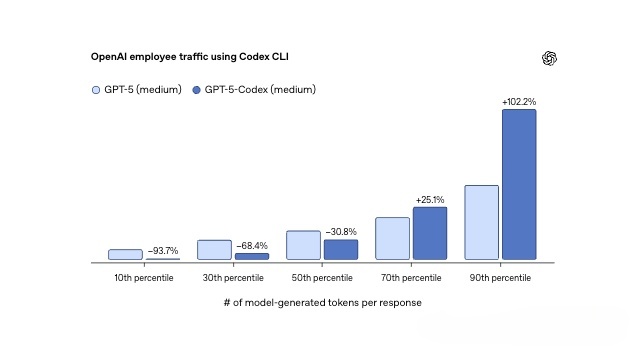
According to data from OpenAI employees, for the bottom 10% of user turns ranked by tokens generated by the model (including hidden reasoning and final output), GPT-5-Codex uses 93.7% fewer tokens than GPT-5.
Who Can Use Codex?
Codex is currently limited to ChatGPT members, including Plus, Pro, Team, Edu and other plan types.
If you don't know how to upgrade your ChatGPT membership, you can use the one-click upgrade system for China that I built with Codex, and be done in minutes.
GPT One-Click Upgrade System: https://gptplus.org.cn/
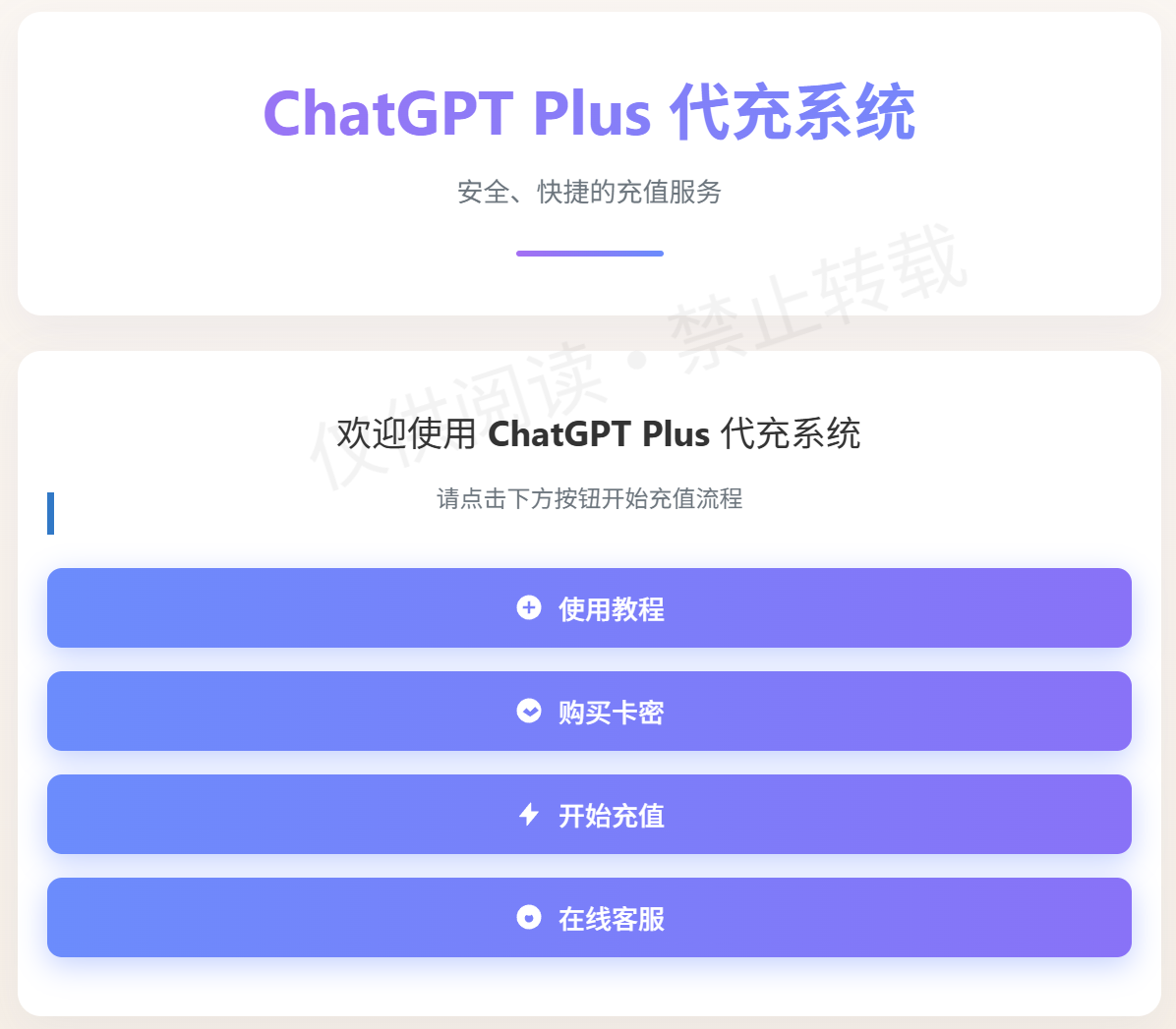
It's especially suited to beginners — no foreign credit card needed to top up your GPT account. It supports direct top-ups to your GPT account, no password, no foreign virtual card, safe and fast.
How to Use Codex: Three Ways Explained
Ways to use Codex: the web version, the IDE extension, and the Codex CLI terminal.
GPT-5-Codex is designed for the Codex CLI, the Codex IDE extension, the Codex cloud environment and GitHub collaboration, and supports a wide range of tool integrations.
Codex Web Version Tutorial (Great for Beginners)
The Codex feature in the ChatGPT web version is ideal for beginners, sparing you the hassle of installation and authorization.
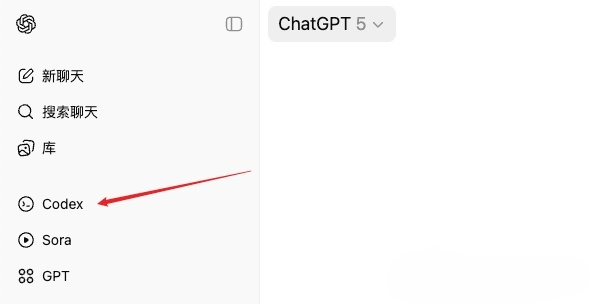
The web version requires linking your GitHub account for source control.
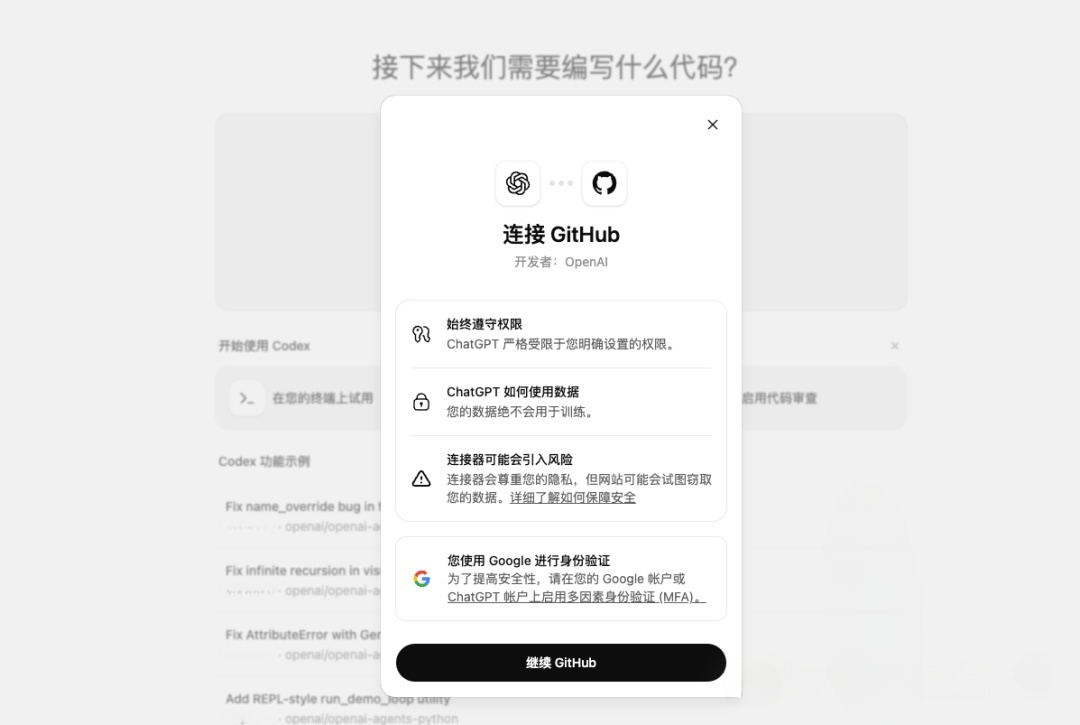
If you already have a GitHub account, just click continue and authorize. If not, you can quickly sign up with a Google email.
Next, create an environment — i.e., a GitHub repository. Users familiar with GitHub can do this directly; if you're unsure, just ask ChatGPT.
If you have no repository, create an empty one on GitHub and then refresh Codex.
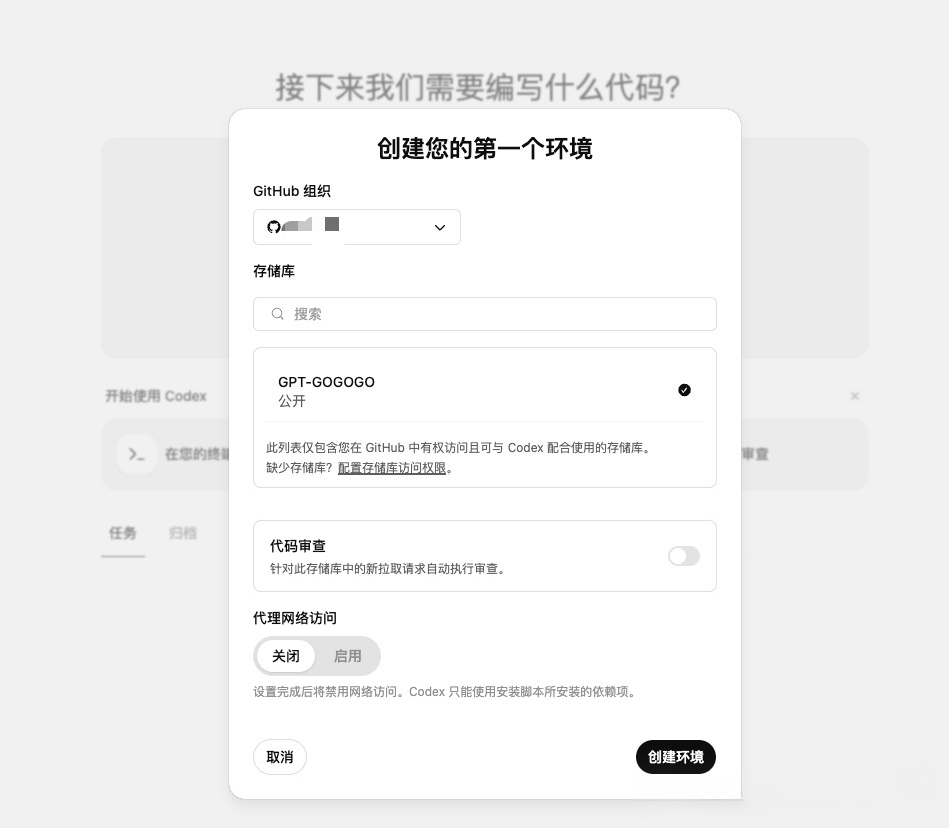
Once you select an environment, you can start coding. Note: if the repository is set to public, other people can access it.
Now you can code directly in the browser! For users who want to try it quickly, this is the most convenient option.
Installing & Using the Codex CLI (Works in China)
Codex CLI officially supports macOS and Linux. Windows support is experimental — it's recommended to run it in WSL.
If you're a developer or prefer local development, you can install the IDE plugin or the Codex CLI.
Install it with your package manager of choice, such as NPM or Homebrew.
Before installing via NPM, make sure Node.js is installed (a detailed tutorial may come later, or you can ask GPT).
Install with npm:
npm install -g @openai/codexRun Codex by typing this in the terminal:
codex
The first time you run the Codex CLI, it will prompt you to authenticate.
It's recommended to log in with your ChatGPT account first. Note: free users cannot use Codex.
If you're not a member, just upgrade to Plus — there's a refreshed quota every week, which is plenty for normal use.
To upgrade your GPT membership in China, use the one-click upgrade system I built with Codex:
GPT One-Click Upgrade website: https://gptplus.org.cn/
Both this website and the system were built by Vibe Coding with Codex! If you're interested, drop by and check out its beautiful design.
With the steps above, users in China can easily install and use the Codex CLI to boost their coding efficiency. GPT-5-Codex's powerful capabilities will supercharge your development journey!